 Share to slack
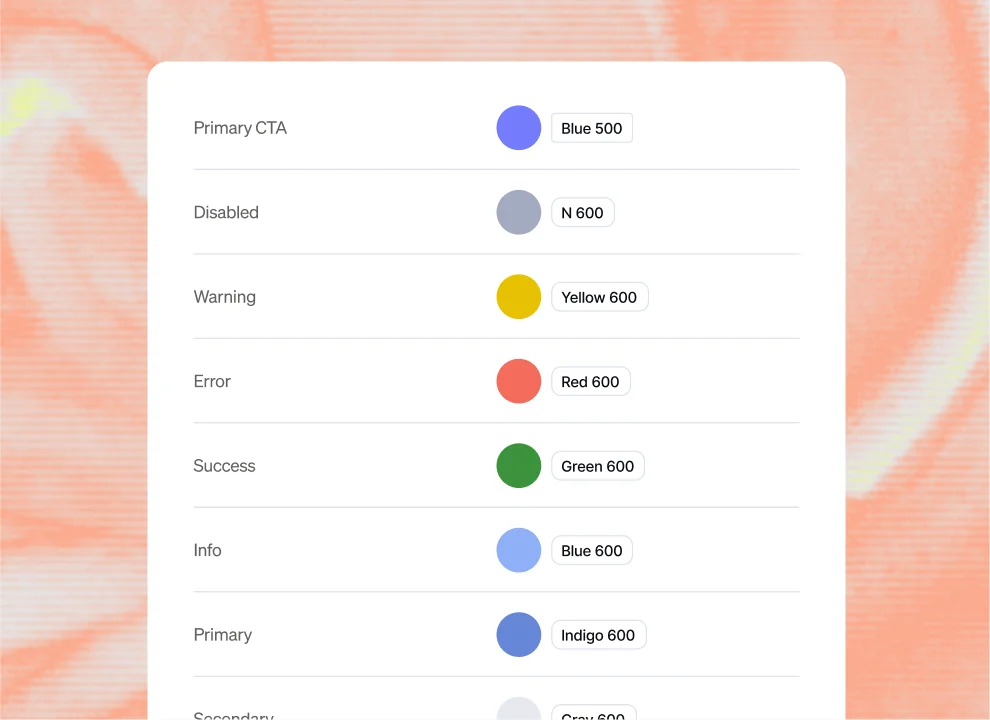
Locked to your real design system
Spring works with your design system as it’s coded, not a Figma mock that drifts.


Spring works with your design system as it’s coded, not a Figma mock that drifts.
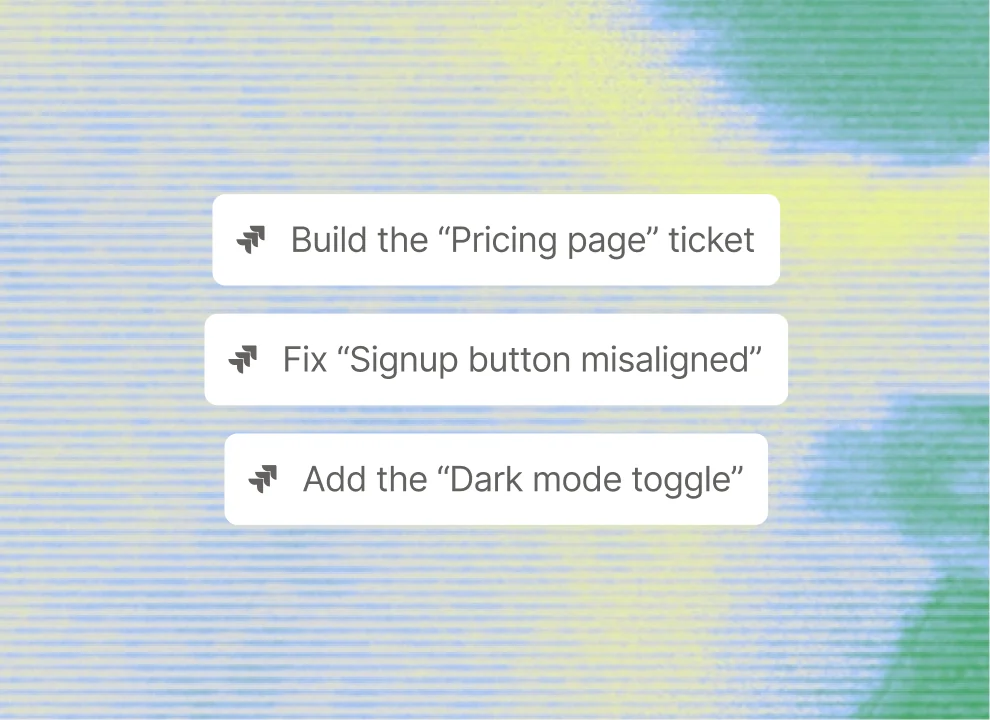
Pull tasks from Jira, Linear, or wherever your team plans. Spring turns them into working code.
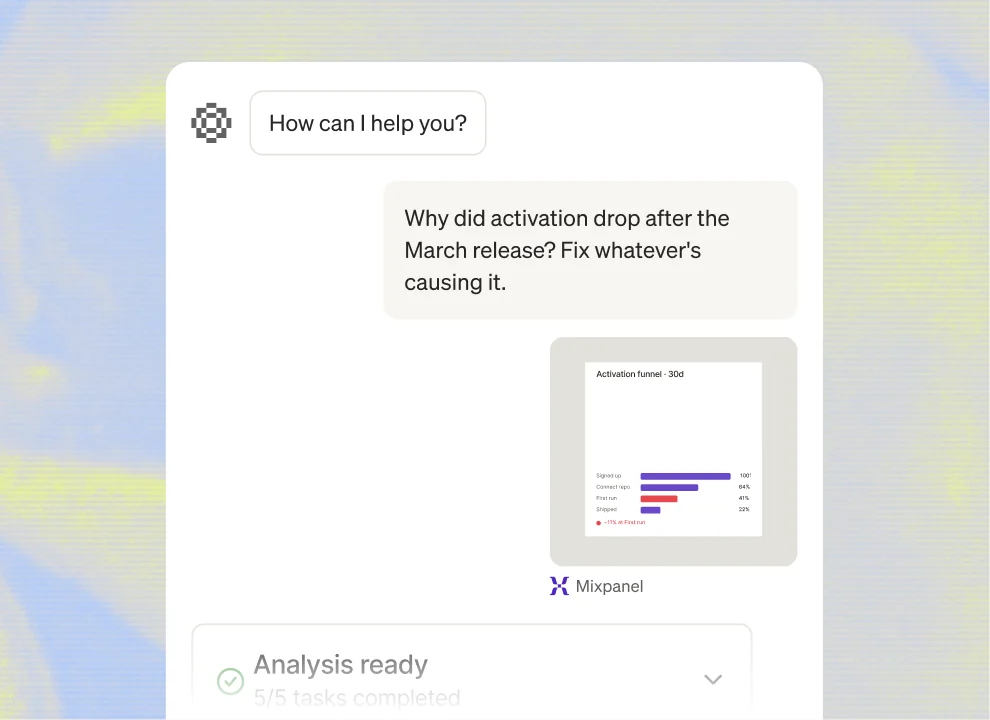
Connect Mixpanel and ask why a number moved. Spring finds the cause and builds the fix in your real codebase.
Move between Figma and Spring. No exporting, no re-importing.
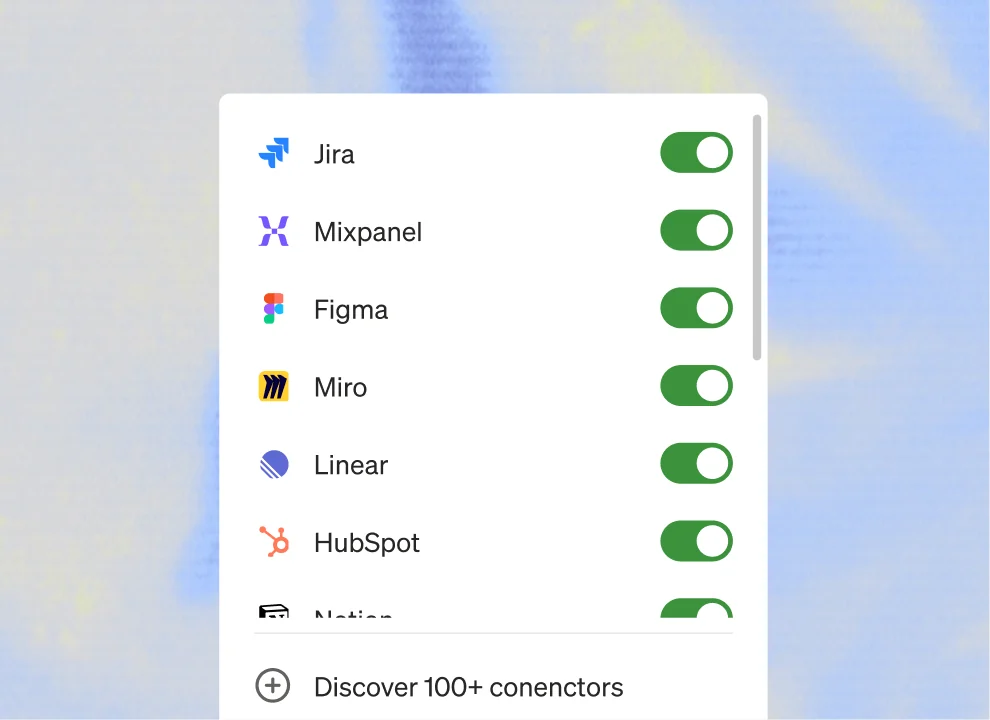
Bring in HubSpot, Mixpanel, Jira, Notion, Miro, and more. Spring uses their context to build what you ask for.
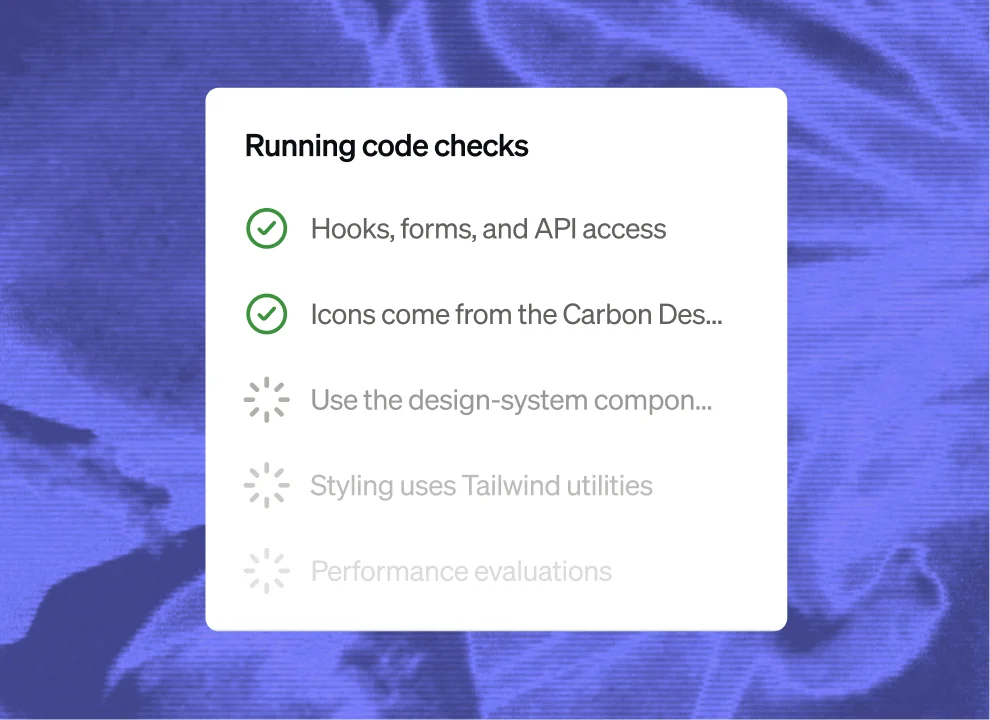
Set the rules for good code once. Spring checks every change against them before it reaches review.
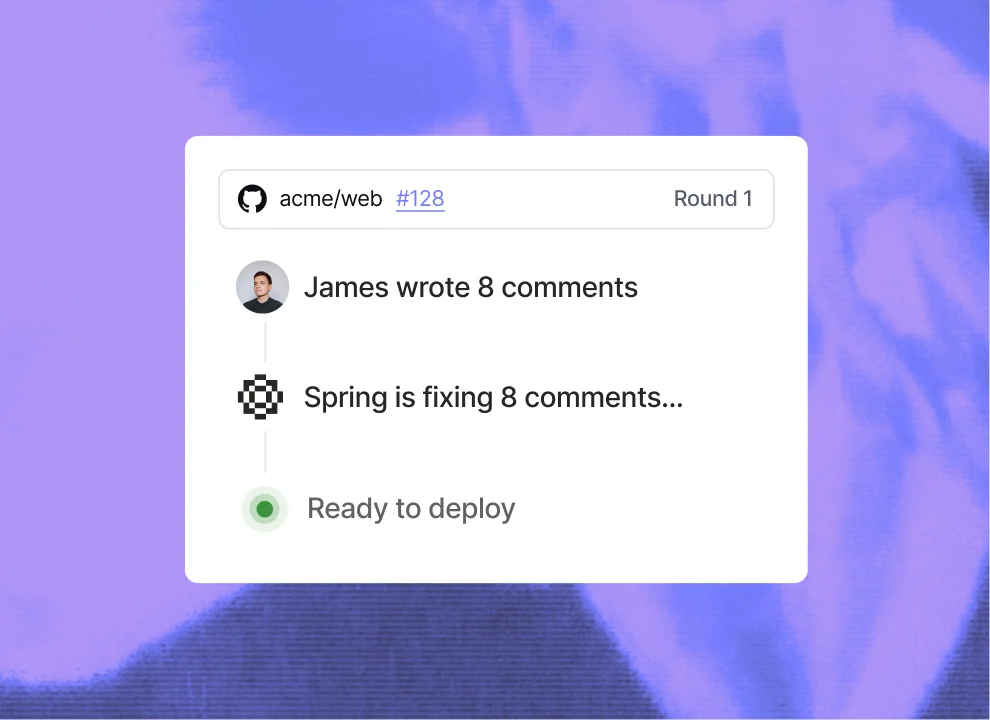
Leave review comments on GitHub. Spring reads them, fixes the code, and gets it ready to deploy.
A rundown of the latest Spring releases, improvements and fixes.
Changes rarely live in one place. Now you can bring another repository into your session, like your backend, keep it up to date, and send its changes for review with the rest.
Your agent can change backend code too. Secrets and dependency files stay off-limits.
A repository you can only read comes in read-only, so nothing is written where it shouldn’t be.
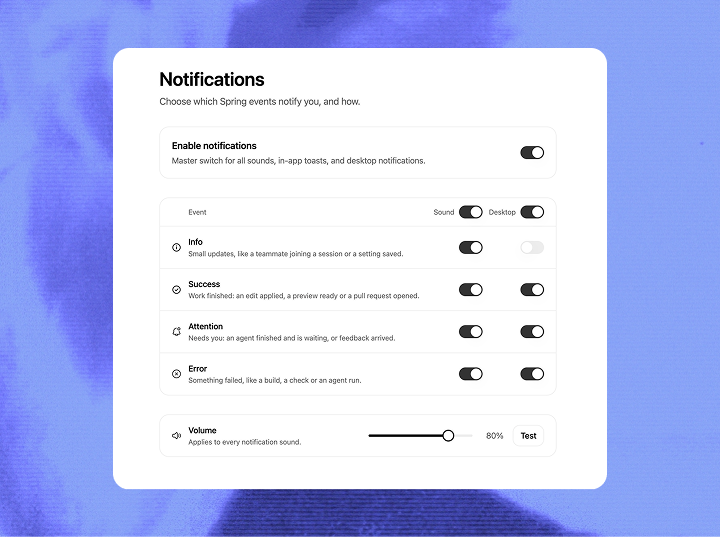
Not every event deserves a sound. Pick which ones reach you, and how: a sound, a desktop notification, or both. And when a team’s Slack connection fails, admins now see why.
Info, success, attention, and error each get their own switch for sound and desktop. One master switch turns it all off.
Set one volume for every sound, then press Test to hear it.
If a team’s Slack connection is refused, admins see the reason and what to do next.
When your disk is full, Spring lets you know and tries again.
An agent now opens, even without further instructions.
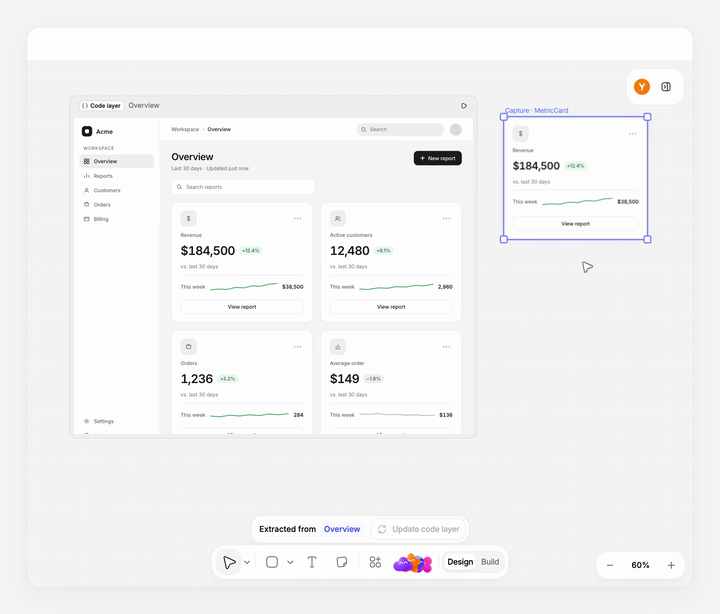
Redesigning a page used to start with redrawing it. Now you open any page of your running app as an editable design, change it, and send it back to the code.
Choose Extract design on any page, or any part of it, and an editable copy appears next to it.
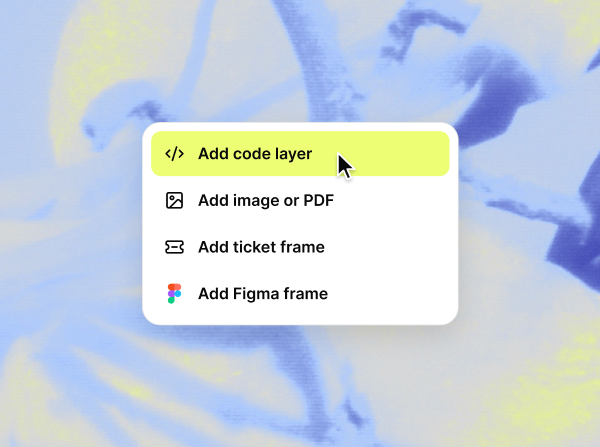
Ask it to design a page your app already has. It starts from that page, not a blank frame.
When the design is ready, choose Update code layer and the coding agent takes it from there.
Two new connectors: Wispr Flow and Resend. Your agent can now look up what happened in your meetings and send email for you, without you pasting anything into the chat.
Ask what was decided in a meeting, what’s coming up on your calendar, or what’s in your notes, and use the answer in your work.
Your agent sends email and manages templates, broadcasts, and contacts, right from the conversation.